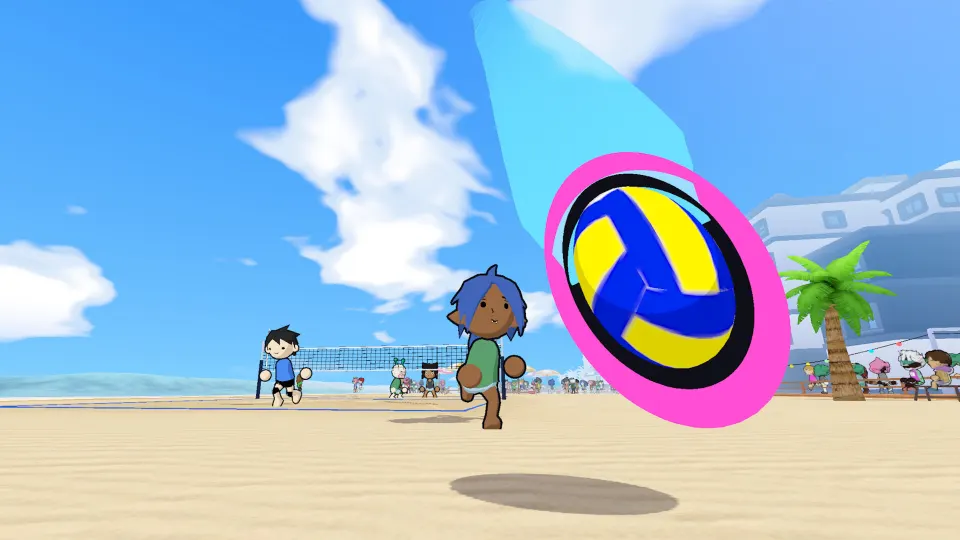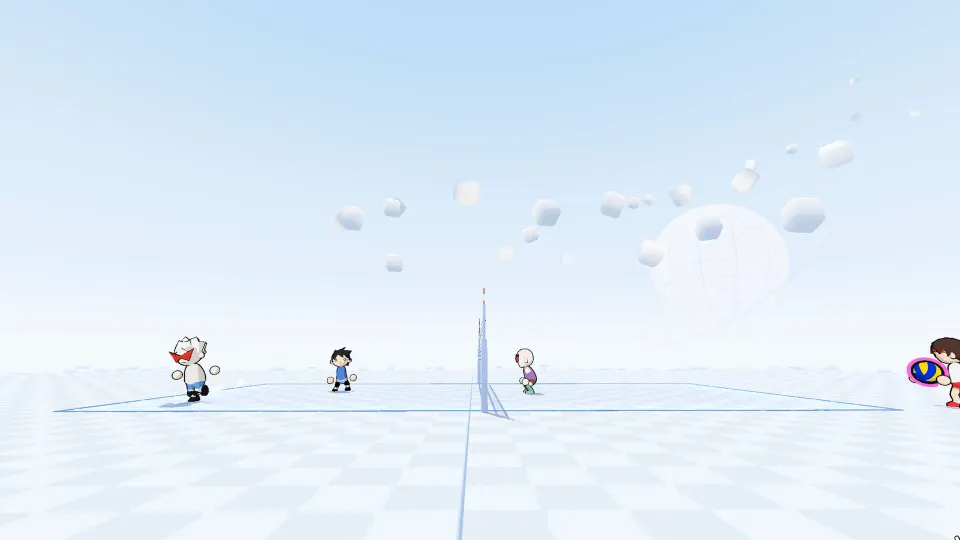
Start by aiming every touch
Every touch in just volleyball is aimed with your cursor, so reaching the ball is only half the job. Direct receptions toward teammates, place sets where someone can attack them, and aim your returns into open court. Learning that sequence gives you a practical way to contribute from your first match.
This guide covers temkosoft's standalone PC volleyball game. The September 2026 playtest ran versions 0.76 through 0.77.1, and an October demo followed. Features were still being developed, so check the controls and settings in the build you launch.
The main actions give you different ways to keep the ball moving:
| Action | How it fits into a rally |
|---|---|
| Bump or pass | Receive the ball and direct it toward a teammate who can continue the play. |
| Dive | Reach for a reception when ordinary positioning leaves you short of the ball. |
| Set | Prepare an attacking opportunity by sending the ball toward a teammate or reachable space. |
| Spike | Jump before attacking the ball toward the opponent's side of the court. |
| Block | Jump and raise your arms to challenge an opponent's attack at the net. |
Make your cursor placement intentional before each contact. On a reception, look for the teammate who can take the next touch. When setting, consider where your attacker is moving. When attacking, look beyond the net for a gap instead of automatically aiming toward an opposing player.
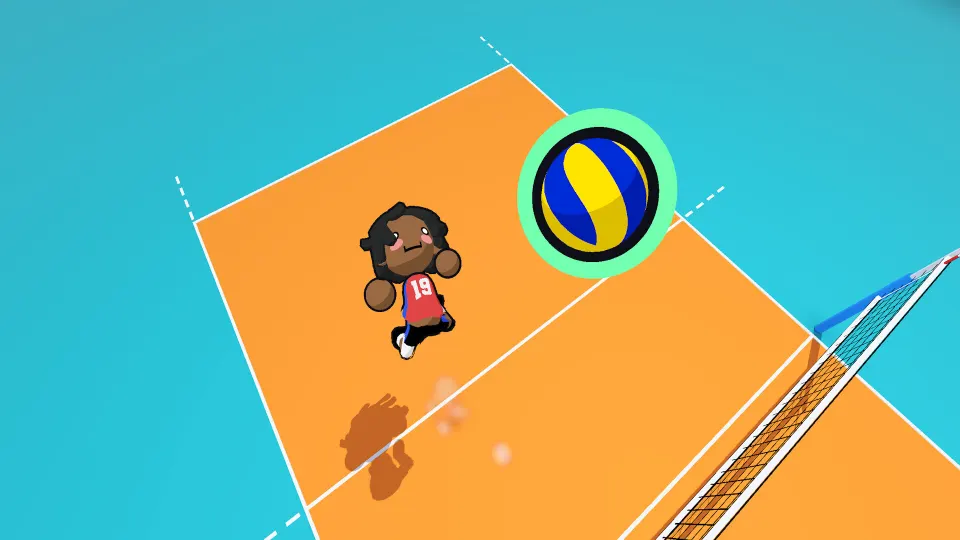
Set up your controls and movement
Before queuing, open the profile tab at the top of the screen and enter that profile's settings. Check your bindings there instead of guessing which keys perform each action. This is also where you can adjust screen shake.
Mouse and keyboard is a reasonable starting point: the developer designed the game around that input method. Controller support exists, but parts of it were unfinished during the September test.
| Control or setting | What to check |
|---|---|
| Key bindings | Use the settings menu belonging to your selected profile to review or change bindings. |
| Screen shake | Find this option in the same profile settings menu and adjust it to your preference. |
| Controller input | Support was incomplete during the September playtest; behavior may differ in later builds. |
| Controller aim assist | The developer confirmed an aim assist option existed, but it was still unfinished during that test. |
Strafe helps connect movement with aiming. Holding it makes your character face the cursor. Tapping it while running can cancel momentum, helping you correct your position when you have moved past the ball. It can also orient your player for a reception, set, or attack.
Practice the movement sequence before trying to execute it under pressure:
- Move toward the ball's expected landing area.
- Place the cursor toward your intended target.
- Use strafe to adjust your facing or settle your movement.
- Make the touch and prepare for what happens next.
The goal is to make positioning and aiming work together. Reaching the right spot with the cursor pointing somewhere unhelpful can still disrupt your team's next touch.
Build a rally and cover your teammates
Track the three-touch limit while deciding what to do next. A block does not count toward that limit, so blocking an attack does not spend one of the touches available for the following return.
A useful beginner sequence is:
- Receive toward help. Use a pass or dive to keep the ball playable, aiming toward a teammate who can handle the next contact. A controlled reception gives the team options.
- Set a reachable attack. Aim toward the attacker or a space they can move into. Consider their position before choosing the target, especially if they are still approaching the net.
- Return the ball with purpose. Jump before a spike and aim for an opening across the net. Keep track of the touch count so you do not attempt another pass after the third contact.
Treat that sequence as a practice pattern. During an actual rally, your next decision depends on where the ball and your teammates are.
Positioning matters between contacts, too. If a teammate is already preparing to attack, consider covering the space behind them. A blocked spike can come back into your court, and somebody needs to be ready for it. Moving every player toward the net leaves the backcourt exposed.
For a float serve, the developer's advice is to apply back tilt while hitting the serve in midair. Check your current controls before practicing that combination. Work on making the airborne contact consistently before expecting to place the serve accurately.
After sending the ball across, return your attention to court coverage. Watch which teammate has moved forward and which space now needs someone ready to receive.
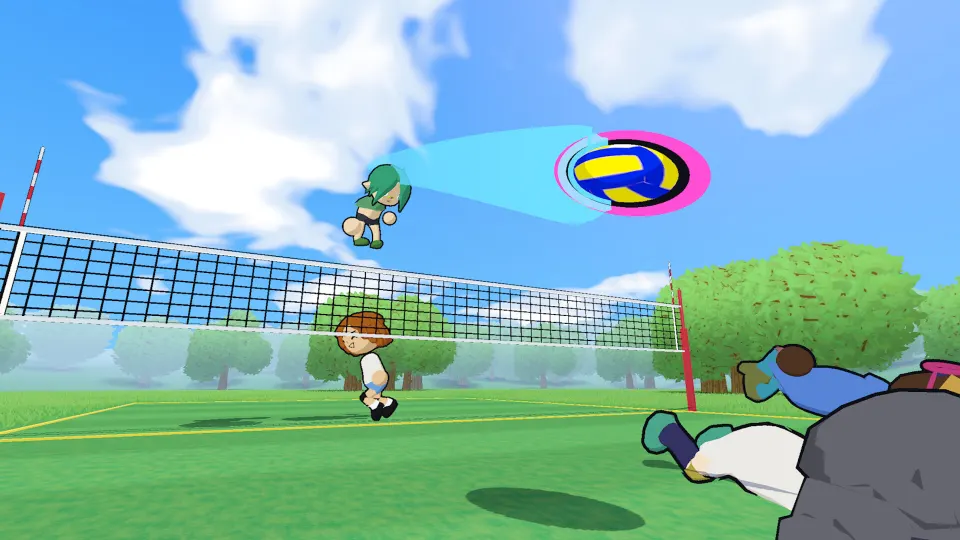
Choose a mode that helps you practice
The game supports online and offline play, with match formats ranging from 1v1 to 6v6. You can learn individual touches in practice, apply them against bots, and then work on coordination with other players.
| Mode or option | What it offers |
|---|---|
| Free play | A place to rehearse touches and movement outside a normal match. |
| Offline bot matches | Matches against computer opponents without needing an online lobby. |
| Open gym | A casual play option included in the September test. |
| Quickplay | An option for finding online matches. |
| Custom lobbies | Matches organized through lobbies with codes, useful when playing with friends. |
For a first session, give yourself a narrow practice goal. Start by directing receptions toward a chosen target. Then work on sets toward reachable space. Add jumping attacks once you can make those earlier contacts intentionally. Changing one part of your play at a time makes mistakes easier to identify.
An offline bot match is a useful next step because it puts those actions into a rally. Do not assume bots will provide an easy win: October demo gameplay shows players struggling against them, especially around blocks. Use these matches to practice decisions as well as execution.
Team size changes what you should pay attention to. In 1v1, focus on your own positioning and returns. In 2v2, practice deciding who takes the next contact. Larger teams give you more teammates to coordinate with, making spacing and coverage especially useful habits.
Replay mode was included in the September test. Use it to review a specific problem, such as a reception aimed away from help or a rally where everyone moved forward. Look for one adjustment to try in the next match.
Find the correct build and check updates
The September playtest has ended. A separate just volleyball Demo page exists on Steam, and October gameplay coverage shows a newer demo. Check which app you are launching when looking for access or investigating a connection problem.
| Version | Access information |
|---|---|
| September playtest | Access was requested through Steam, and the test ended on September 27, 2026. |
| October demo | A separate demo app is listed on Steam; check its page for download availability. |
| Full game | The developer has said the release will be paid; free playtest access does not grant ownership. |
The September process required requesting access from the main game's Steam page. Accepted participants received the playtest app in their library. Those instructions describe that test window; they do not establish that another access request is currently available.
If an installed build launches but cannot connect, check for updates. During September, patches changed the version required for online play. The developer recommended verifying the game files through Steam or fully closing Steam, including its system tray process, and then restarting it to fetch the update.
These steps address an outdated installation. They cannot restore access to a test after its scheduled window has closed.
FAQ
What is the easiest way to learn how to play just volleyball?
Start in free play and concentrate on directing each touch with the cursor. Move into offline bot matches once you can receive and set intentionally. When joining a team, focus on giving teammates usable passes and covering space after they attack.
Does a block count as one of the three touches?
No. Blocking does not use one of the three touches available in the rally. Keep track of the contacts that follow the block when planning your team's return.
Can two players share one PC?
Local co-op was unavailable in the September playtest. The developer said the local multiplayer store tag referred to the intended full release. Check the features of your installed build before planning a same-PC session.
Should a beginner use a controller?
Mouse and keyboard is a sensible starting choice because the game was designed around it. Some players prefer a controller, according to the developer, but controller support and aim assist were unfinished during September testing. Choose based on how comfortably you can place the cursor.
Why do my touches keep going away from teammates?
Check where your cursor points at contact. Reaching the ball does not automatically direct it toward someone helpful. Practice selecting the target before touching the ball, and use strafe to help align your character while adjusting your position.