How aiming changes every rally
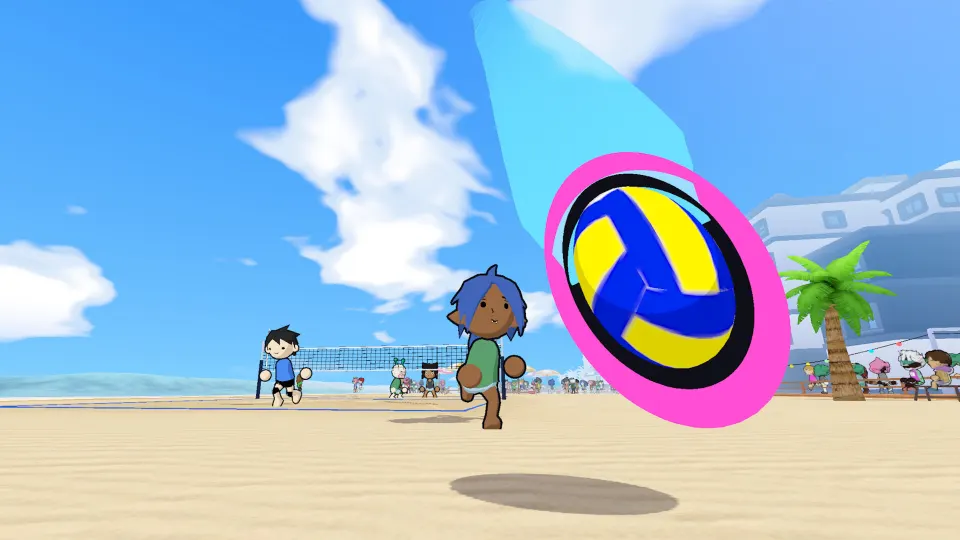
Reaching the ball is only part of playing just volleyball: you also control where your touch sends it. A reception aimed toward a teammate creates a different opportunity from one directed across the net. Learning to combine movement with deliberate aiming is the foundation for keeping rallies under control.
In temkosoft's arcade volleyball game, players control their own characters and positioning. The fan-maintained playtest wiki describes ball direction as following the cursor, while a hands-on demo report describes separate controller sticks for movement and aiming. Your location and your intended ball destination are therefore two decisions to manage together.
This article covers mechanics described for the public playtest and demo. The wiki identifies its September coverage as versions 0.76 through 0.77.1. Treat those details as guidance for those builds; individual bindings and behavior may change before the finished release.
Movement and controls
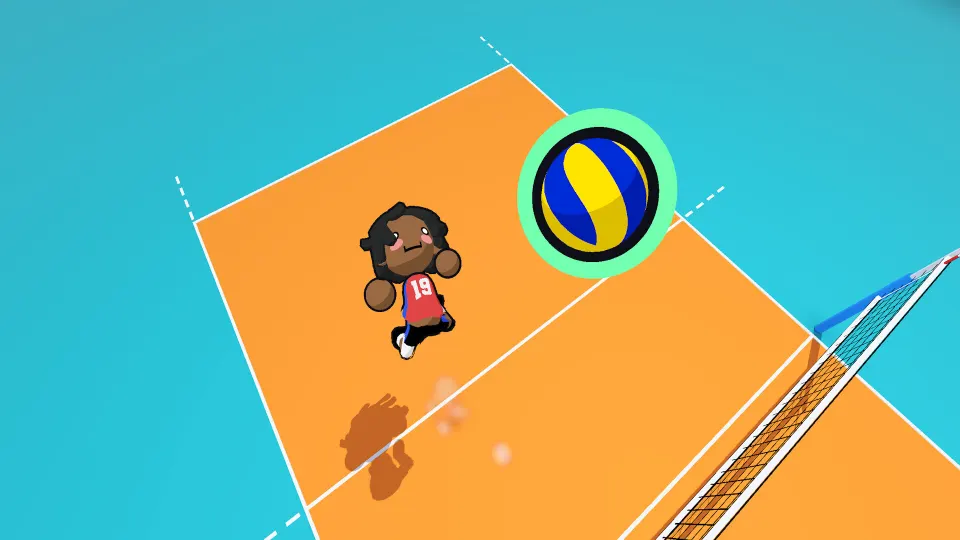
The developer's explanation on Reddit gives the following keyboard and mouse controls. Several inputs cover more than one volleyball action, so learning an input also means understanding the situation in which you use it.
| Input | Action described by the developer |
|---|---|
| W, A, S, D | Move your character |
| Space | Jump |
| Left mouse button | Perform actions including receiving and spiking |
| Right mouse button | Perform blocking and diving actions |
| E | Set the ball |
These are the controls explicitly identified in that explanation, rather than a complete binding reference. A dedicated serving input and the exact conditions separating every shared-button action have not been officially confirmed in that explanation. Check the active profile's bindings when learning your installed build.
For controller play, Rock Paper Shotgun's demo report describes moving with the left stick and aiming with the right stick. This lets you adjust your position while choosing a destination for the ball. The report does not provide a complete controller button map.
A useful practice routine is to separate those jobs mentally. First, track where the ball is likely to arrive. Next, identify your intended target. Then combine movement and aiming during the same attempt.
The playtest wiki places key bindings inside each profile's own settings menu. Open the profile tab at the top, then enter that profile's settings.
Building a receive, set, and attack
The demo supports familiar volleyball actions, including serving, receiving, jumping, spiking, blocking, and diving. Setting is also explicitly identified in the developer's controls explanation. The important connection between these actions is intentional ball placement: each touch should give your side a useful next opportunity or challenge the opposing side.
| Action | Documented mechanic or observation | Useful practice focus |
|---|---|---|
| Receive or bump | Receiving is among the left mouse button actions | Aim toward a teammate before contact |
| Set | The developer identifies E as the setting input | Choose the teammate you want to involve |
| Spike | Spiking is among the left mouse button actions | Practice positioning and aiming together |
| Serve | The demo report emphasizes precise timing | Work on repeatability before deception |
For receptions, start by choosing a teammate as your target. The demo report specifically emphasizes pointing the aiming cursor toward a teammate when receiving. That gives you a concrete first objective: keep the ball useful to your side instead of treating every incoming ball as an immediate scoring attempt.
Setting has its own identified keyboard input. In practice, distinguish the decision to set from the decision about where to send the ball. Knowing the button is only one part of the action; selecting a useful target gives the touch a purpose.
Spiking and jumping are both available, but exact timing windows, power calculations, and trajectory formulas have not been officially confirmed. Avoid building your technique around an assumed hidden bonus. Practice producing repeatable contacts and destinations before experimenting with more ambitious attacks.
Serving deserves separate attention. The demo reviewer found it demanding and emphasized timing when trying to outwit opponents. Begin with a modest goal: repeat a serve you can execute consistently. Once that feels reliable, vary your intended placement and observe how opponents respond.
Blocks, dives, and court coverage
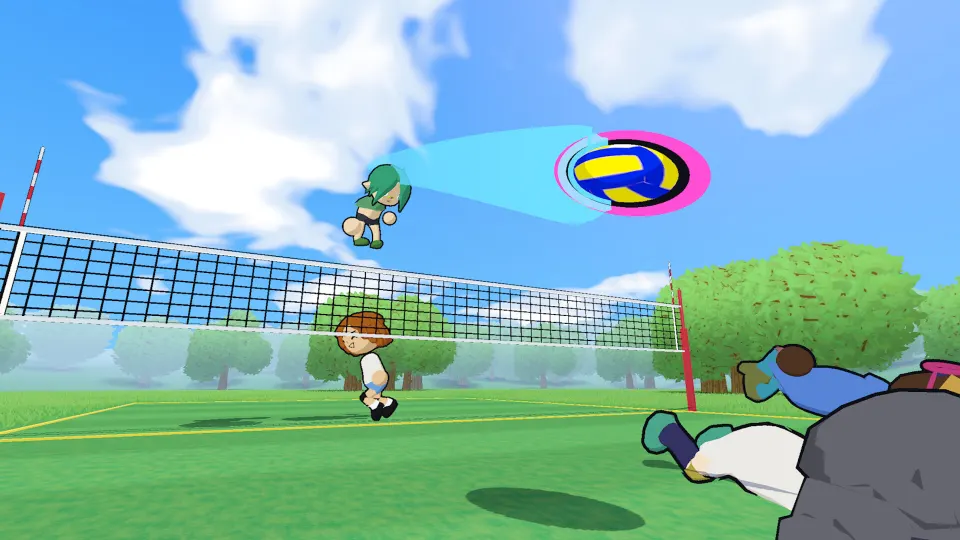
Blocking has an important interaction with the touch limit. According to the playtest wiki, a block does not consume one of the three available touches. After a block, your side still has those touches available to organize the next part of the rally.
| Mechanic | Documented behavior | Practical implication |
|---|---|---|
| Block contact | Does not use one of the three touches | Keep the block separate when counting touches |
| Starting position | Players start each rally in a position but can leave it | Coordinate movement with teammates |
| Teammate collisions and slipping | Both were acknowledged by the developer | Account for other players when moving |
Positioning is flexible enough for several teammates to crowd the net. In the developer's example, four players attempted to block simultaneously because nobody was restricted to a fixed role. This demonstrates freedom of movement; it does not establish that sending everyone forward is an effective formation.
Use that freedom with a simple coverage plan:
- Decide who will approach the net when several teammates are nearby.
- Keep track of teammates who move forward so you can notice uncovered space.
- Choose an intended receiver before making your own contact.
- Reassess your position after the ball changes direction.
The developer also acknowledged teammate collisions and slipping as mechanics. Their exact triggers, penalties, and recovery timings have not been officially confirmed. Give yourself room to move and observe these interactions during practice before assuming that overlapping paths are harmless.
Diving and blocking share the right mouse button in the developer's control description. Both deserve practice in their relevant situations. The description does not spell out the complete action-selection logic, so it should not be treated as a detailed tutorial for triggering either move.
Practice and match formats
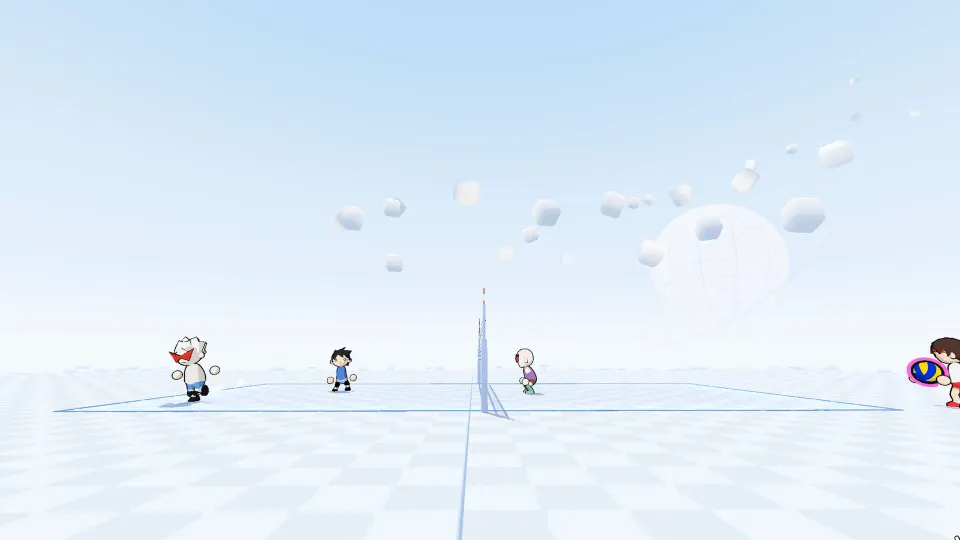
The playtest wiki describes match formats ranging from 1v1 through 6v6, alongside several ways to practice or organize play. These options give you different settings for learning the same movement and aiming fundamentals.
| Option | What the playtest wiki describes | Suggested learning use |
|---|---|---|
| Free play | A place to rehearse volleyball actions | Repeat one action at a time |
| Offline bot matches | Matches against computer-controlled opponents | Combine individual actions within rallies |
| Open gym | A separate gym option | Explore the available practice setting |
| Quickplay | A way to enter matches | Apply familiar controls against opponents |
| Custom lobbies | Organized sessions with lobby codes | Practice coordination with friends |
For an initial session, choose one narrow objective. Receiving toward a selected target is a useful starting point because it combines movement, ball tracking, and aiming. Once you can repeat that comfortably, add setting or attacking rather than changing every part of your approach at once.
A second session can focus on shared space. With friends, agree on who will attempt a reception and who will prepare for the following touch. Because players can leave their starting positions, communication helps prevent several people from chasing the same opportunity.
FAQ
What are the main just volleyball video game mechanics?
The central mechanics are direct character movement, cursor-directed ball placement, and volleyball actions such as receiving, setting, serving, spiking, blocking, and diving. Players can leave their starting positions, while teammate collisions and slipping add movement interactions to consider.
Does a block count toward the three-touch limit?
No. The playtest wiki states that blocking does not consume one of the three touches. Keep the block separate when counting the contacts available for your side's next sequence.
Are players locked into volleyball positions?
No. The developer says players begin each rally in a position but do not have to remain there. Multiple teammates can approach the net simultaneously, which makes shared coverage a coordination decision.
Can you play with a controller?
Yes. The demo report describes controller play with the left stick handling movement and the right stick handling aim. Check the current build for the remaining action bindings.
Where can you change key bindings?
Open the profile tab at the top and enter that profile's settings menu. The playtest wiki identifies this as the location for key bindings and screen shake settings.
What should a beginner practice first?
Start with movement and aimed receptions. Choose a teammate, move toward the incoming ball, and work on sending your touch toward that target. Then add setting, attacking, and serving as separate practice goals.